Where every correction
trains the next model.
OrthoStudio loads intraoral-scan STLs and automatically identifies the arch, segments and numbers every tooth, traces anatomical landmarks and computes measurements — with every AI result reviewable, and every expert correction captured as attributed ground truth.
Invitation-only · de-identified data · your work follows your account
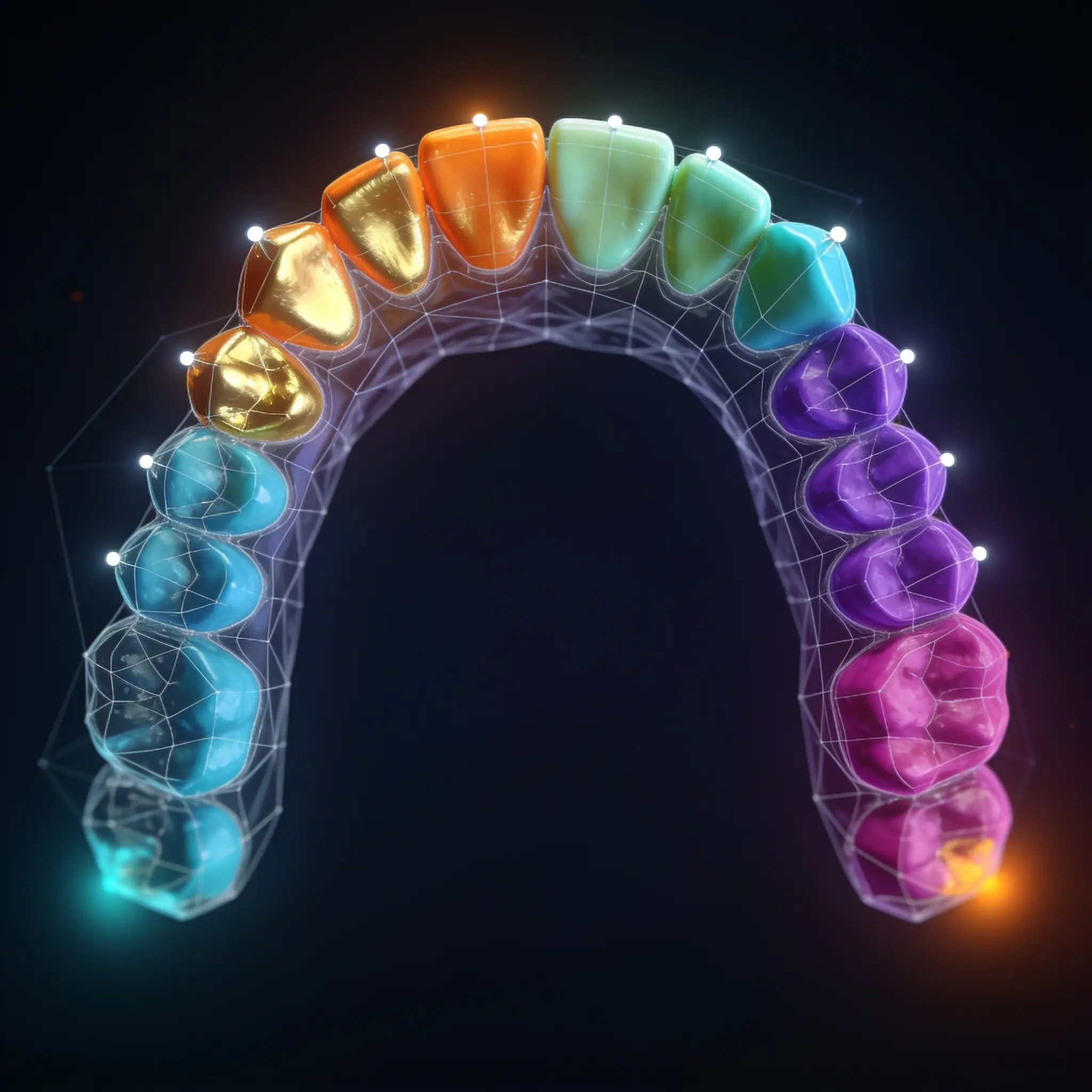
One scan in. A reviewed, measurable case out.
Trained models do the first pass; you stay in command of every result. Nothing is ever fabricated — an estimate is flagged, a missing landmark reads as missing, never guessed.
Arch & dentition
Upper vs. lower and permanent vs. mixed, identified on load and cross-checked against a 2D second opinion.
Segmentation & numbering
Per-vertex tooth segmentation with Palmer / FDI / Universal numbering — correct it once and it stays put.
Landmark tracing
Per-tooth clinical landmarks — contacts, cusps, fossae, gingival margins, palate anatomy — placed against your confirmed segmentation.
Measurements
Widths, arch dimensions and study metrics computed from the landmarks you approved, in millimeters.
Second opinion
An independent verification layer flags order, symmetry and plausibility issues — it advises, it never overrides.
Private by design
Scans are de-identified before they leave your browser; the patient-name key never reaches the server.
Your expertise becomes the training set.
This isn't autopilot — it's a research instrument. Every renumber, re-segmentation, boundary drag and landmark adjustment is recorded under your account, timestamped and pooled (de-identified) to retrain the models that assist the next case.
Upload
Drop an STL or a whole folder. It's auto-de-identified and analyzed in seconds by your own AI engine.
Review & correct
Fix segmentation, numbering and landmarks with direct-manipulation tools. Your word is final and sticky.
Contribute ground truth
Corrections export as attributed, trainer-ready samples — including blind multi-rater duplicates for inter-rater analysis.
Sign in and open your first scan.
Accounts are created by your study administrator. Have one? Jump straight in.